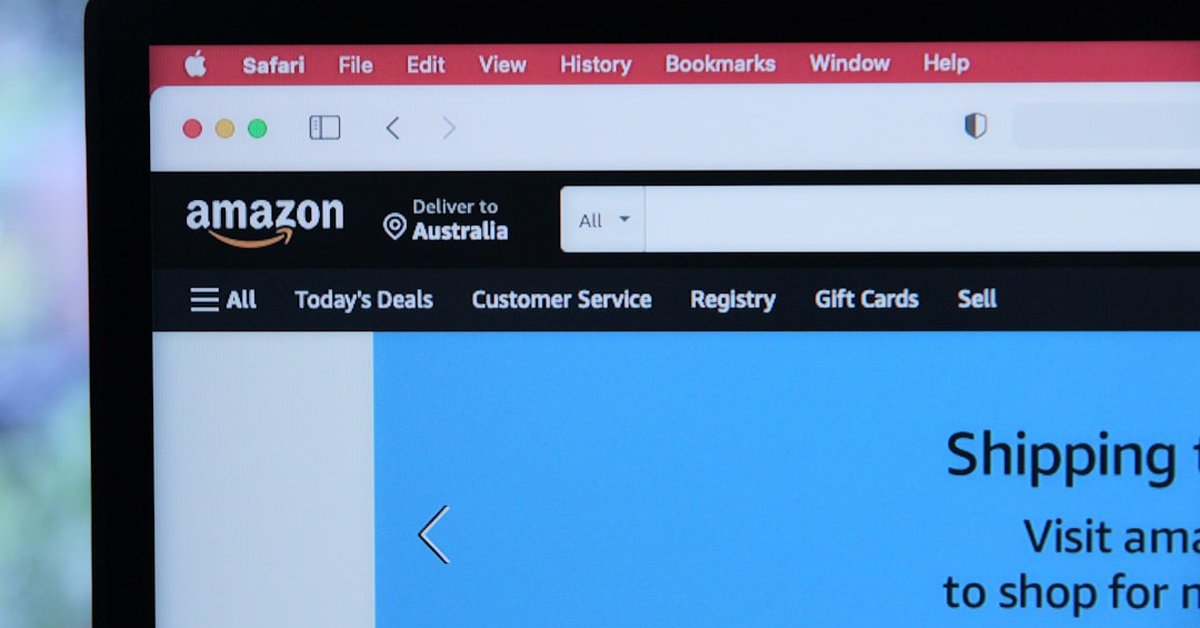



If you’re an Amazon Prime subscriber in Australia, your renewal just got a lot more interesting, and not in a good way for Jeff Bezos’s empire. The Australian Competition and Consumer Commission (ACCC) has launched legal proceedings against Amazon, alleging the tech giant deployed “unfair” contract terms that trapped customers into auto-renewing subscriptions, made cancellation deliberately difficult, and buried key details in fine print. This isn’t just a bureaucratic spat. For the 5 million-plus Australian Prime members, it’s a direct challenge to how Big Tech treats ordinary people, and the fallout could ripple across the United States, United Kingdom, and Canada.
Think of it like this: You sign up for a gym membership intending to go three times a week. A year later, you’re still paying, but you haven’t set foot inside since January. The gym makes it nearly impossible to quit. That’s exactly what the ACCC says Amazon has been doing, except the gym is a global $1.6 trillion company, and the contract is for streaming, free shipping, and music you may have forgotten you even had. The case, filed in the Federal Court of Australia on June 15, 2025, alleges that Amazon’s subscription terms for Prime, Kindle Unlimited, and other services violate the Australian Consumer Law.
What Exactly Did Amazon Do Wrong?
The ACCC’s complaint centers on “unfair contract terms”, a legal concept that, in Australia, gives regulators broad power to strike down clauses that create a significant imbalance between a business and a consumer. Specifically, the regulator claims Amazon:
- Automatically renewed subscriptions without clear, prior consent from users.
- Buried cancellation options in a multi-step maze that made it intentionally hard to unsubscribe.
- Reserved the right to change prices or benefits unilaterally, without giving customers a chance to exit penalty-free.
- Used fine-print clauses that limited Amazon’s liability while shifting all risk onto the subscriber.
“Consumers shouldn’t have to navigate a digital obstacle course just to stop paying for a service they no longer want,” said ACCC Chair Gina Cass-Gottlieb in a statement. “These practices erode trust and exploit inertia, and they’re likely illegal.”
Amazon, of course, disagrees. The company told Reuters it “strongly disputes the allegations” and plans to defend itself. But the ACCC isn’t bluffing. Australian courts can fine companies up to AUD $50 million (about USD $33 million) for contravening unfair contract laws, and the regulator is also seeking injunctions to force Amazon to rewrite its terms.
Why This Matters Beyond Australia
Here’s where it gets global. Australia has some of the toughest consumer protection laws in the developed world, tougher, in many ways, than the US or UK. The ACCC has successfully taken on Google, Facebook, and Apple over similar issues. When the regulator wins, it often sets a precedent that influences other jurisdictions. Just as WhatsApp’s shift to usernames reshaped privacy norms worldwide, a victory here could force Amazon to simplify cancellation processes for all its subscribers, not just those down under.
Consider this: In 2021, the ACCC successfully sued Google for misleading consumers about location data. Within months, Google changed its global permissions interface. The same could happen with Prime subscriptions. If the court rules Amazon’s auto-renewal terms are unfair, the Seattle giant will likely redesign its checkout and cancellation flows for every country where similar laws exist, including the UK and Canada, both of which have unfair contract term legislation.
But there’s a catch. Amazon’s subscription revenue is enormous. In 2024, global Prime subscription revenue hit roughly $42 billion, according to eMarketer. Even a small change in churn rates could cost the company hundreds of millions. This is why Amazon fights these cases with the ferocity of a cornered kangaroo. The company has argued that its terms are transparent and that customers can cancel “in a few clicks.” The ACCC counters that those clicks are hidden under layers of obfuscation, a classic “dark pattern.”
The ‘Dark Pattern’ Playbook: How Amazon Hides the Exit
If you’ve ever tried to cancel a Prime subscription, you know the drill. Go to Account & Lists, then Manage Prime Membership, then End Membership, then confirm, then maybe answer a survey, then, finally, you’re free. Compare that to the one-click purchase experience. The asymmetry isn’t accidental; it’s design.
This is what Silicon Valley calls a “dark pattern”, a user interface trick that nudges you toward a decision you wouldn’t otherwise make. The ACCC’s case is built on evidence that Amazon employs multiple dark patterns to reduce cancellations, including:
- Confirmshaming: “Are you sure? You’ll lose access to 30,000 movies and free delivery!”
- Roach Motel: Easy to enter, hard to leave, a classic subscription trap.
- Price anchoring during cancellation: “Wait, we’ll give you a month free if you stay.”
“Dark patterns are the digital equivalent of a used-car salesman locking you in the office until you sign,” said Dr. Lina Khanopoulos, a consumer rights researcher at the University of Sydney. “Regulators worldwide are waking up to this. Australia’s suit against Amazon is the latest, and most important, salvo.”
The irony is that Amazon knows how to do this right. Its “Buy With Prime” checkout for third-party sellers is famously streamlined. The company can make cancellation easy. It chooses not to. The ACCC wants the court to declare that this choice is unlawful.
What Happens Next? (And What Should You Do?)
The Federal Court is expected to set a trial date within months. In the meantime, Amazon has to keep operating under its current terms, but the ACCC may seek interim orders to stop certain practices, like unilateral price changes. If you’re an Australian Prime member, you could see changes to your account interface as early as late 2025.
For non-Australian subscribers, don’t assume you’re safe. Similar lawsuits are brewing in the EU under the Digital Markets Act, and the US Federal Trade Commission (FTC) has been investigating Amazon’s Prime enrollment and cancellation process since 2023. In fact, the FTC filed its own lawsuit in 2023, which is still crawling through federal court. Just like Ford’s AI failures forced the automaker to hire 350 quality-control veterans, a regulatory win against Amazon could force the company to hire a small army of UX designers whose only job is to make cancellation painless.
Practical advice: If you’ve been meaning to cancel a subscription but keep putting it off, now is the time. Check your bank statements for any services you haven’t used in six months. Write down the cancellation steps, and if they seem deliberately hard, take screenshots. They could become evidence in a class action.
The bigger picture is about power. When you subscribe to a service, you’re entering a contract. But if one side can change the terms without asking, and the other side can’t easily leave, that’s not a contract, it’s a trap. Australia is betting that the world’s biggest online retailer will finally be forced to take down the “Easy In, Hard Out” sign.
For now, keep your wallet close. And maybe think twice before clicking that “Start 30-Day Free Trial” button without reading the fine print, or at least without knowing how to escape.
Frequently Asked Questions
Does this affect Amazon Prime members in the US or UK?
Not directly, but it could set a precedent. The ACCC’s case relies on legal principles that exist in many common-law countries. If the court rules against Amazon, the company will likely update its subscription terms globally to avoid similar suits from the FTC (US) or CMA (UK).
Can I get a refund for past auto-renewals I didn’t want?
Possibly, but not yet. The ACCC is not seeking refunds for individuals in this suit; it’s asking the court to declare the terms unfair and impose penalties. However, a successful outcome could open the door for class-action claims or force Amazon to offer refunds voluntarily.
How do I cancel my Amazon Prime subscription right now?
Log into your Amazon account, go to Account & Lists ➔ Prime Membership ➔ Manage Membership ➔ End Membership. For specific instructions, Amazon’s help page has a walkthrough. Pro tip: do it on a desktop browser, the mobile app sometimes hides the cancellation button.